
Paste Text from AI
0/500 words
$inlineMath$ format
Copy text from ChatGPT, Claude, DeepSeek, Perplexity, or Gemini
Paste into the input area above and see the formatted output instantly
Click "Convert to Word (Download)" to save your formatted document
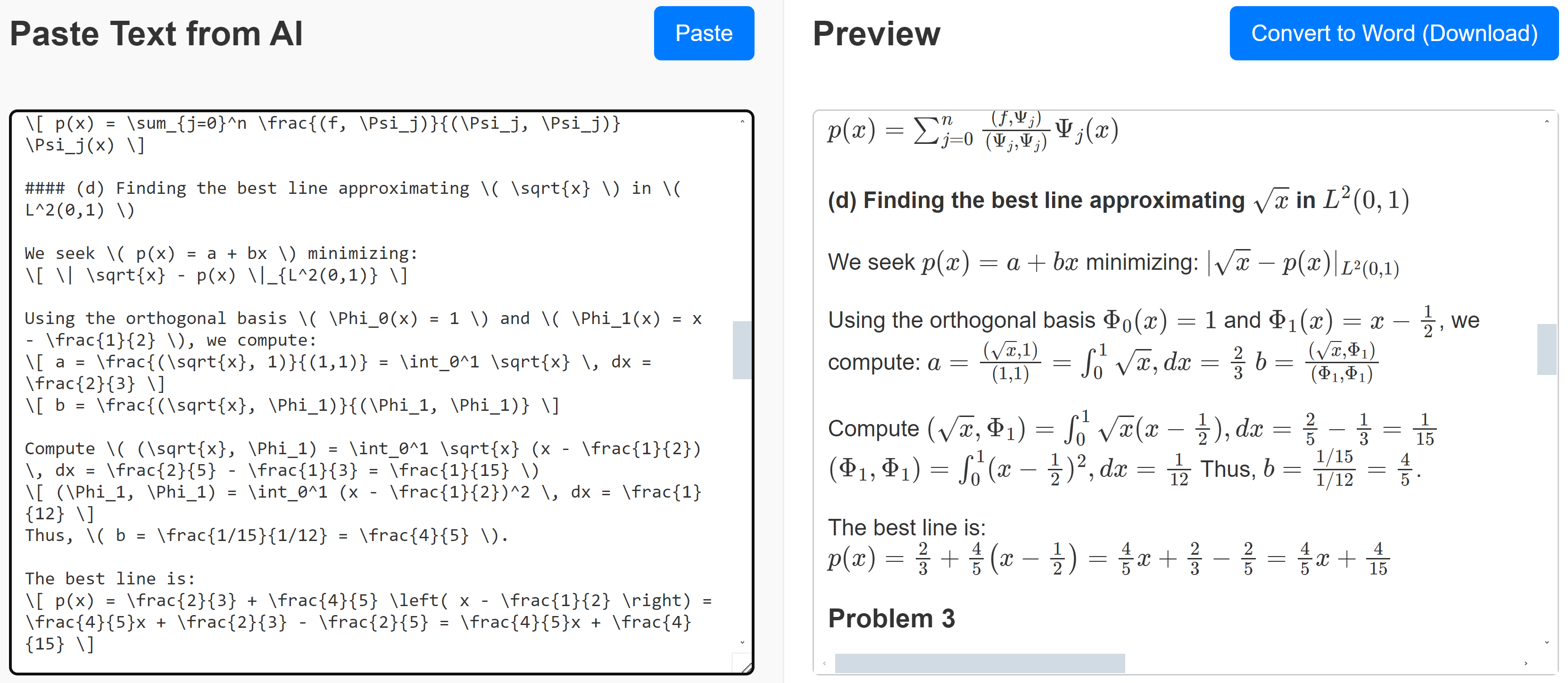
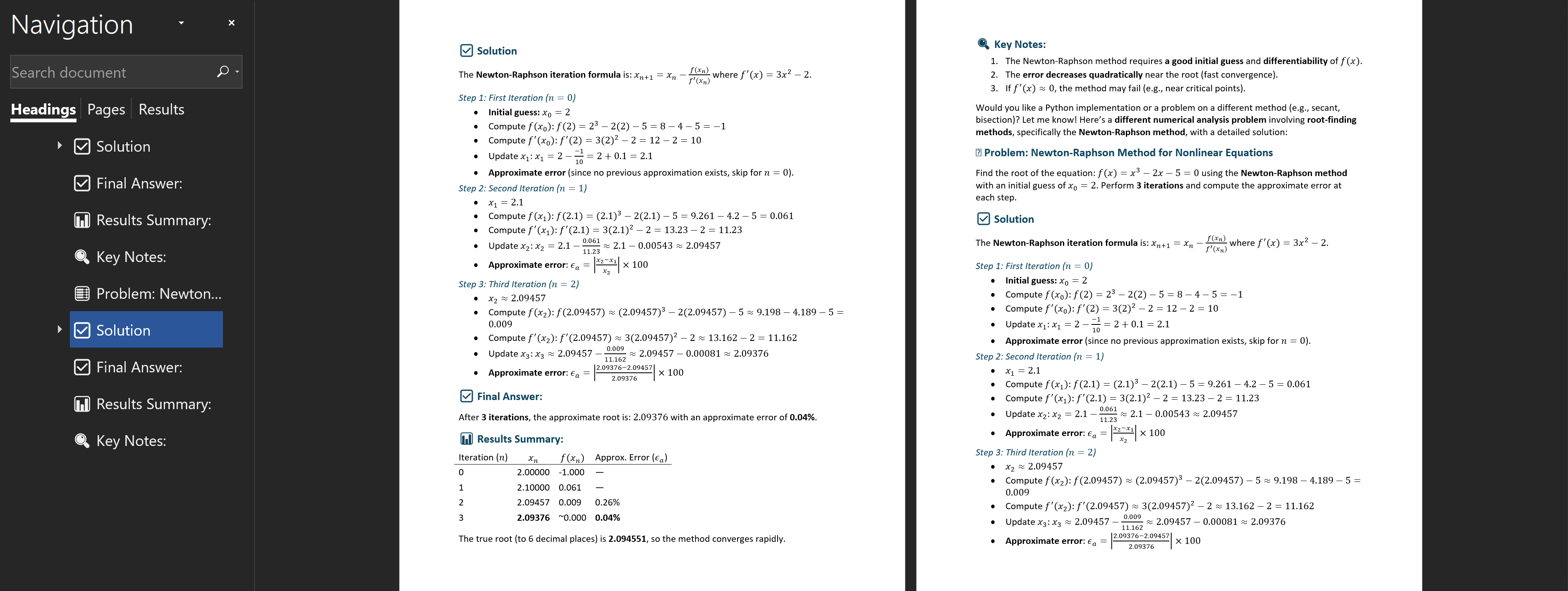
Use DeepSeek for optimal results. DeepSeek's copy functionality preserves all formatting. Paste directly into our converter for consistent, high-quality conversions.
For Gemini or models with copy restrictions
💡 Key Insight: Most conversion issues are resolved using the DeepSeek method (request "exactly as is" output). The Gemini method is particularly effective when encountering copy restrictions or formatting limitations.
Gemini recently changed its equation format from standard LaTeX to a proprietary format. This means equations can't be directly converted to Word format.
Some AI models prevent copying equations using the copy button — but there's a workaround!
Use the Export to Google Docs feature:
Best Path Forward: DeepSeek (copy button) → Converter → Word
Backup Option: Gemini (export to Docs) → Copy text → Converter → Word